Every job, organized from first call to final invoice
Track work on a simple Kanban board with time tracking, job costing, photos, checklists, and expenses — so nothing falls through the cracks and every job stays profitable.
14-day free trial · No credit card required · Cancel anytime
Why field service pros love it
See every job at a glance
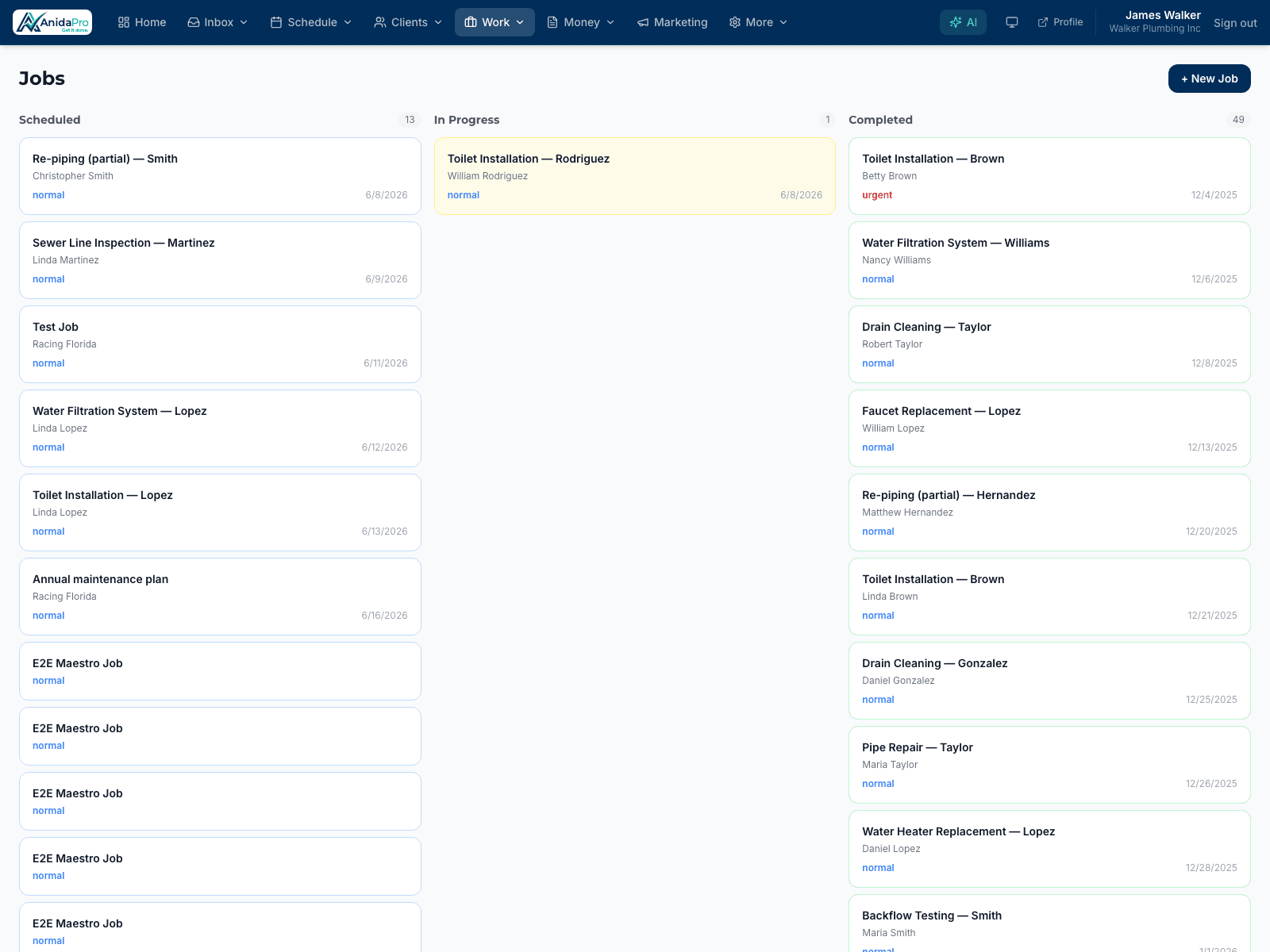
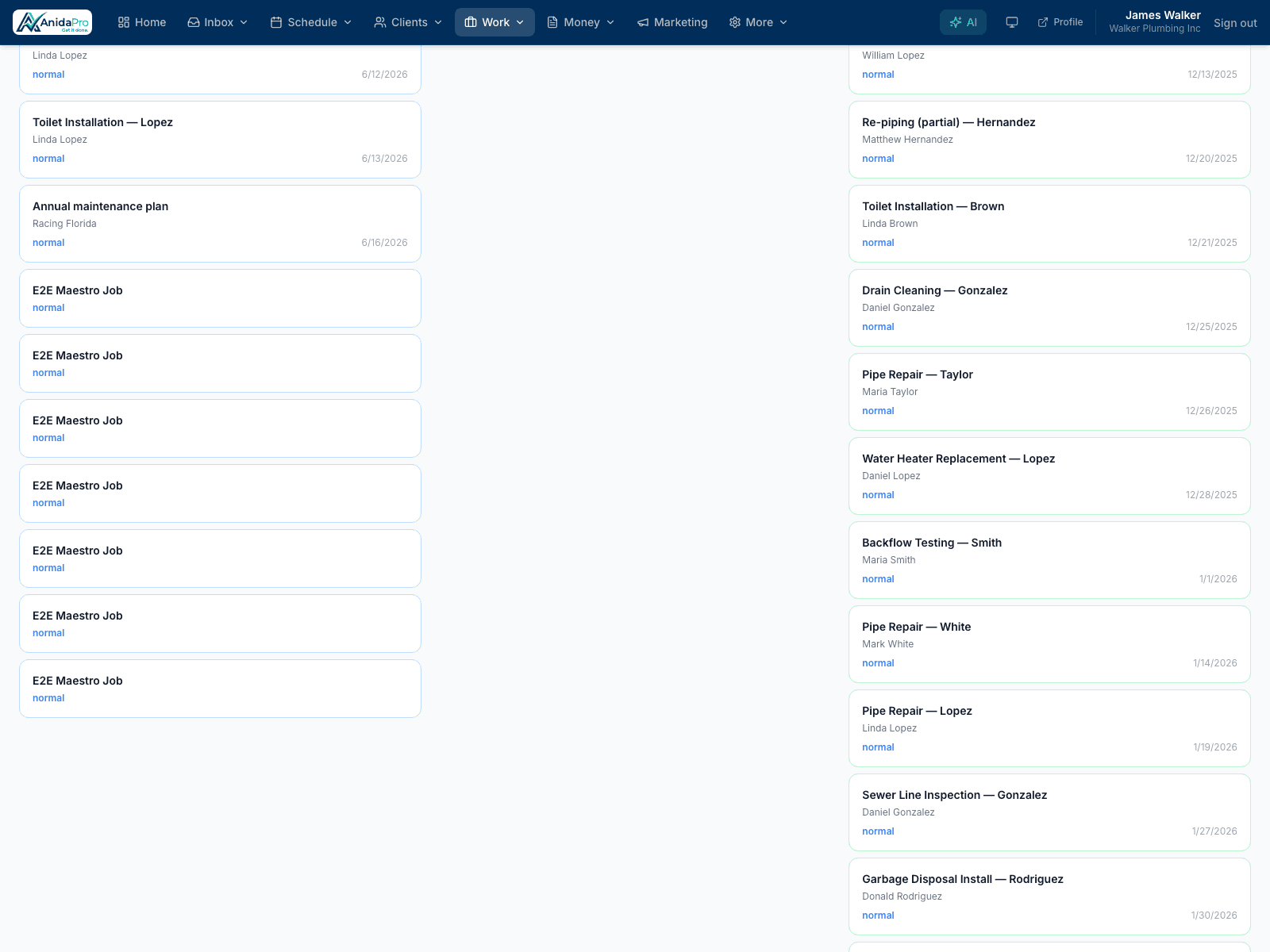
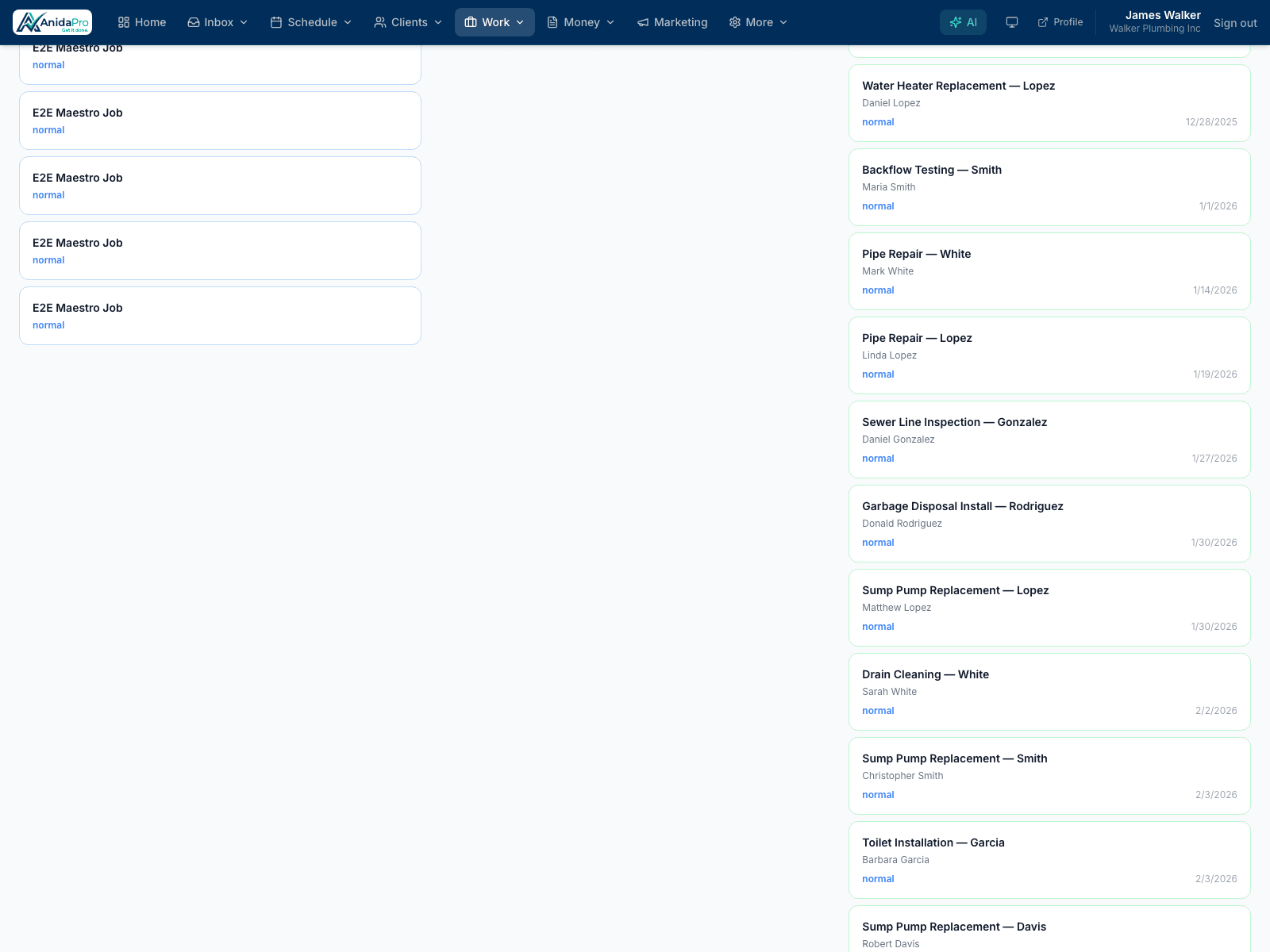
A drag-and-drop board shows what’s scheduled, in progress, and done — your whole operation on one screen.
Know what each job earns
Log labor, materials, and expenses against the job to see real profit, not just revenue, on every ticket.
Document the work
Attach before-and-after photos, checklists, and notes so the whole team — and the client — has the full record.
Time tracking and job costing built in
Track hours against each job and tally materials and expenses as you go. When the job closes you know exactly how profitable it was — no spreadsheet reconciliation required.
Checklists keep quality consistent
Standardize how work gets done with per-job checklists, so every technician delivers the same high standard whether it’s their first job or their hundredth.
Photos and notes that travel with the job
Field crews upload photos and notes from their phone, and the office sees them instantly — no texting pictures back and forth.
Frequently asked questions
Can my field crew update jobs from their phone?
Yes. AnidaPro works on mobile, so technicians can update status, log time, upload photos, and check off tasks right from the job site.
Does job management track profitability?
Yes. By logging time, materials, and expenses against a job, you can see actual job costs and profit, not just the invoice total.
How does the Kanban board work?
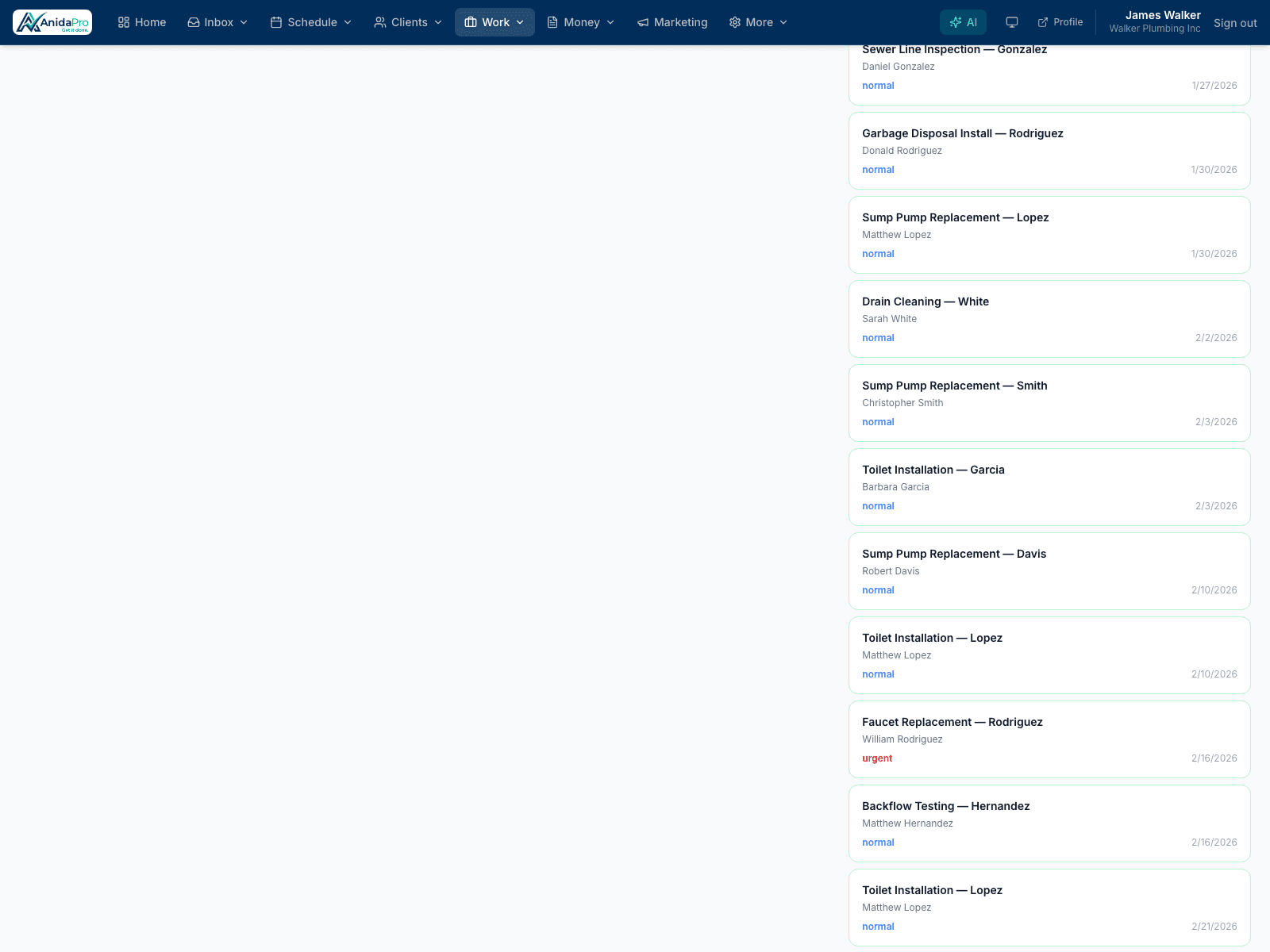
Jobs move across columns by status — scheduled, in progress, complete — so you can see and manage your entire workload at a glance.
Explore more features
Ready to run your business in one place?
Join the contractors growing faster with AnidaPro. Start your free 14-day trial today — no credit card required.