Professional estimates that close faster
Build polished estimates in minutes, send them for e-signature, and collect a deposit the moment a client accepts. When the scope changes mid-job, send a signed change order instead of a surprise on the final bill.
Free plan · No credit card required · Upgrade when you’re ready
Why field service pros love it
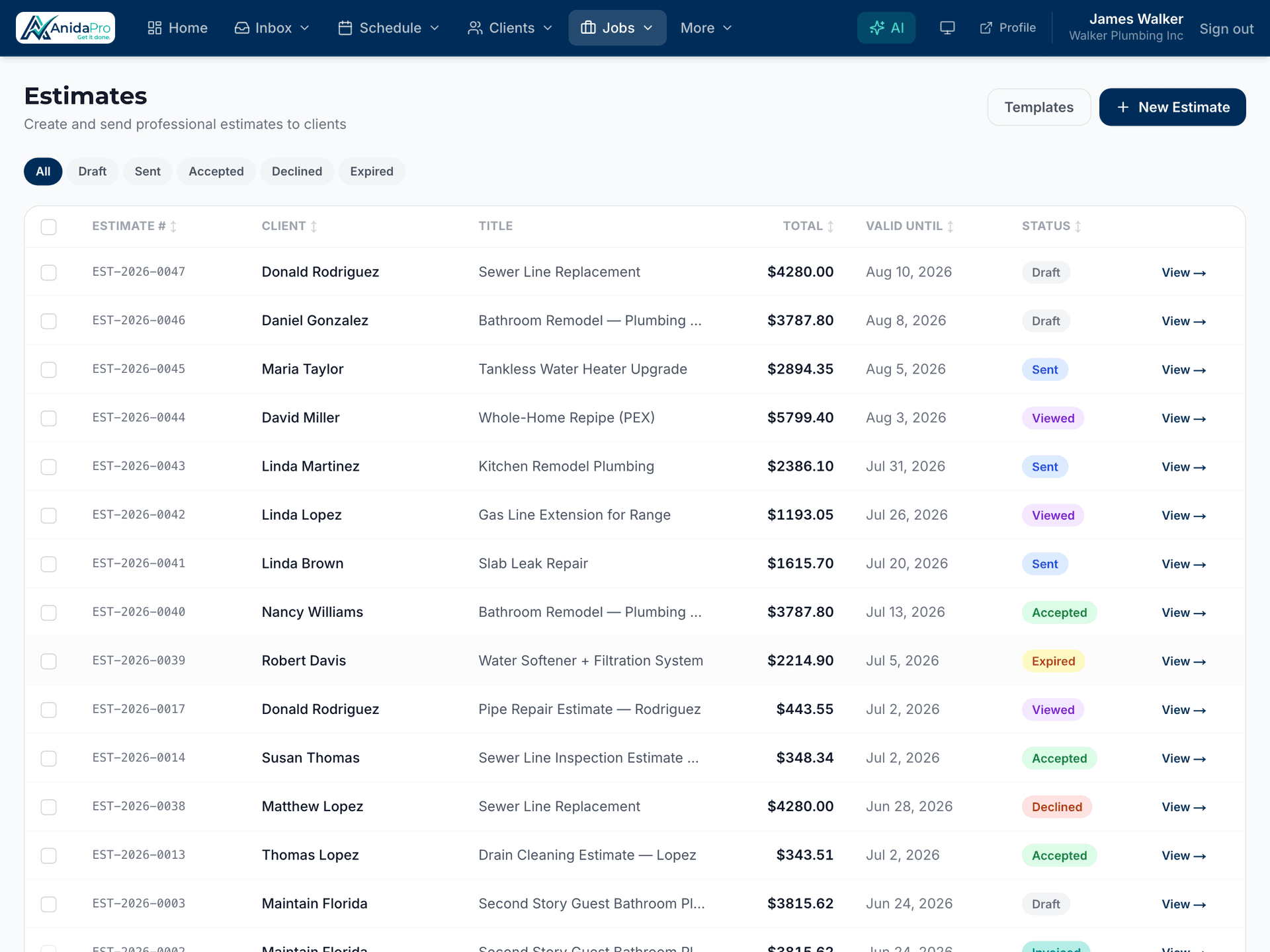
E-signature approvals
Clients approve estimates online with a tap, so you get a clear yes — and a record of it — without chasing signatures.
AI-assisted line items
Describe the job and AnidaPro helps draft accurate line items, so detailed estimates take minutes instead of an evening.
Deposit on acceptance
Set a deposit (percent or fixed) and the moment a client signs, they’re invited to pay it — the invoice and payment schedule are created automatically.
Signed change orders
Scope changed mid-job? Send a change order for e-signature, keep your job costing honest, and bill it with one click — on every plan.
Estimates that build trust
Clean, itemized, branded estimates show clients exactly what they’re paying for. Professional presentation wins more jobs and justifies your pricing.
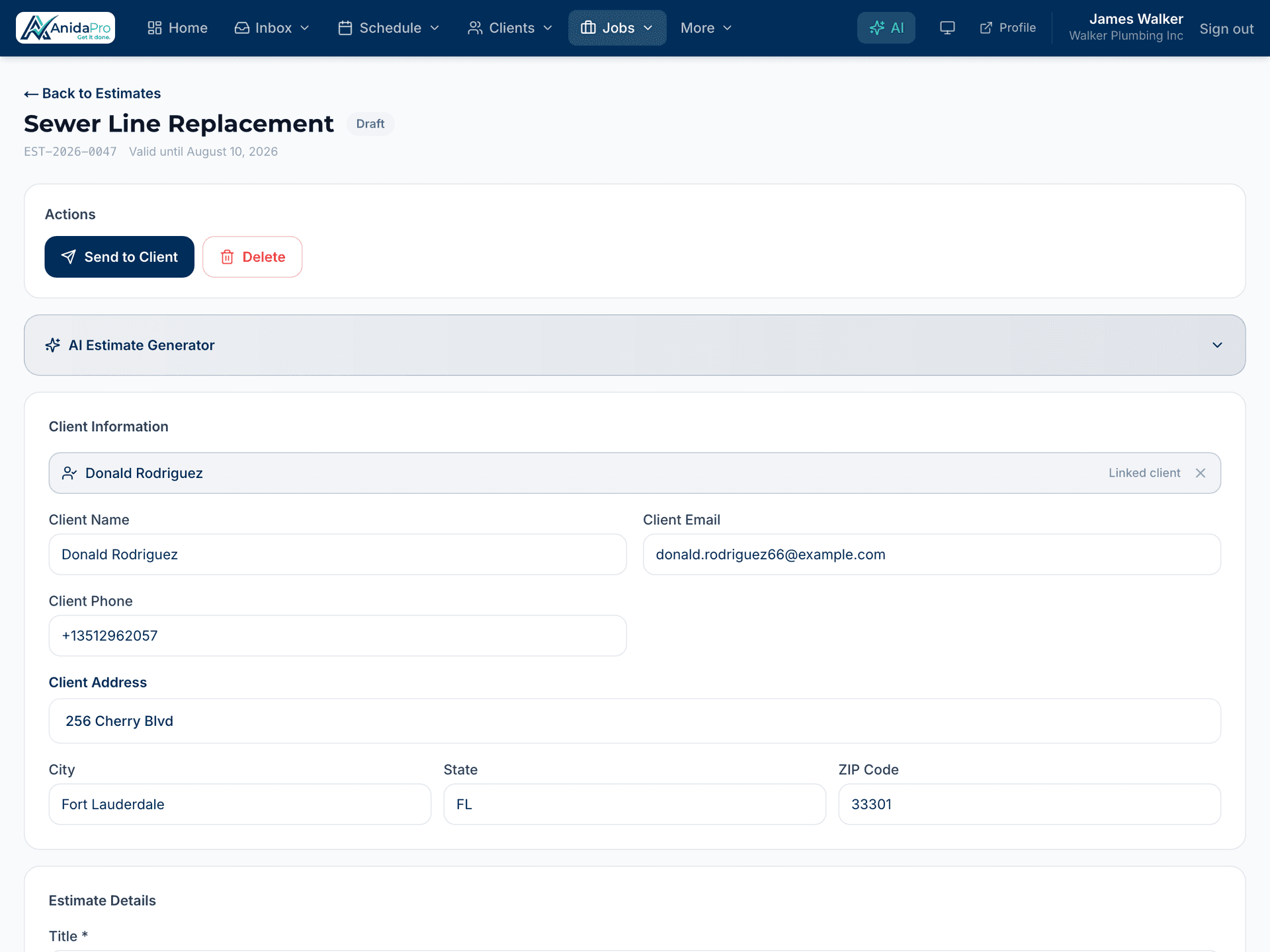
Pull from your price book
Drop pre-priced services and materials from your price book straight into an estimate, so quoting is fast and consistent every time.
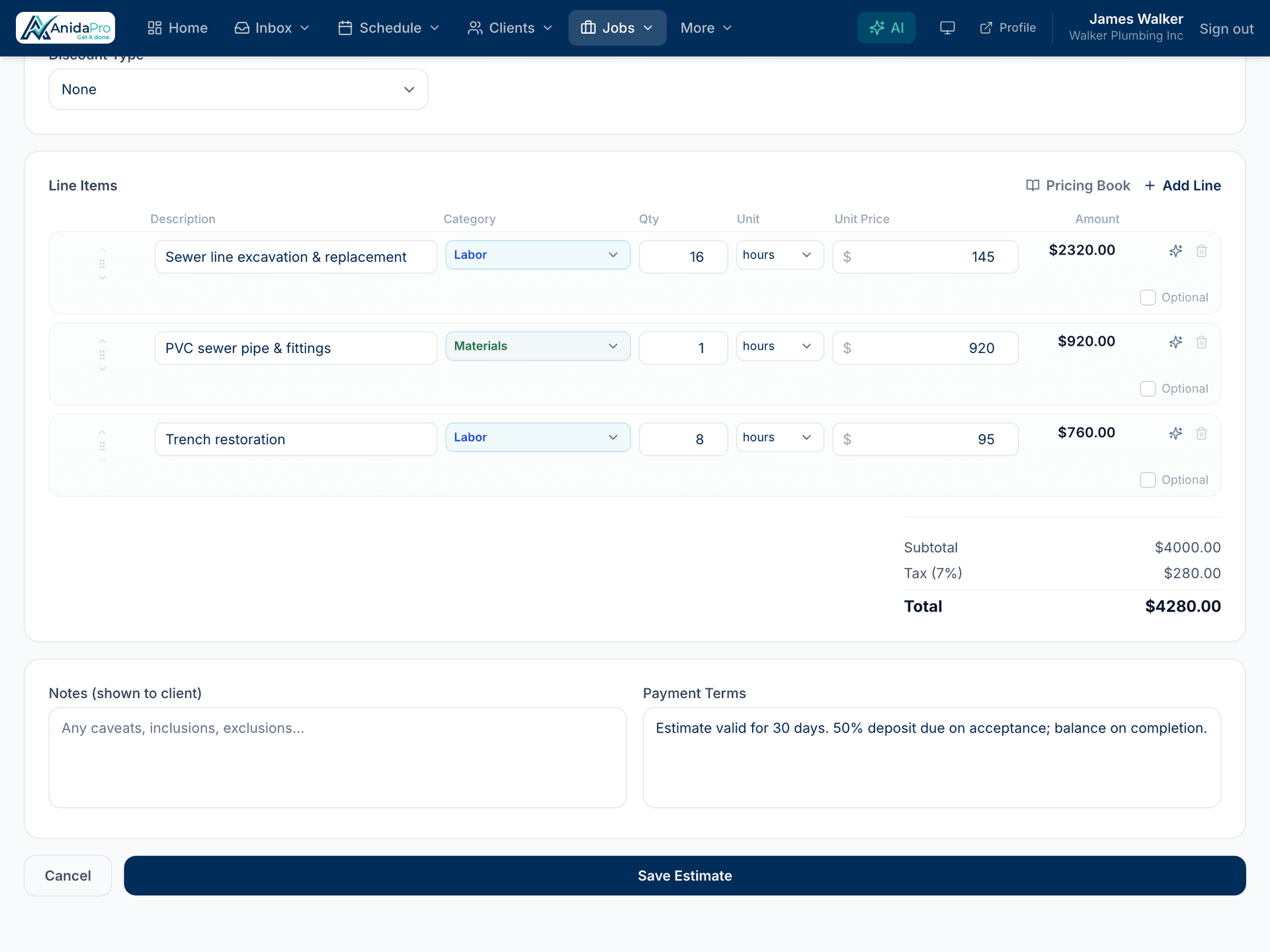
Know when clients are ready
See when an estimate has been viewed and approved, so your follow-up is perfectly timed instead of guesswork.
Frequently asked questions
Can clients sign estimates online?
Yes. Estimates are sent with an e-signature link, so clients can review and approve from any device in seconds.
How does AI help with estimates?
AnidaPro can suggest line items from a job description, helping you build accurate, detailed estimates much faster.
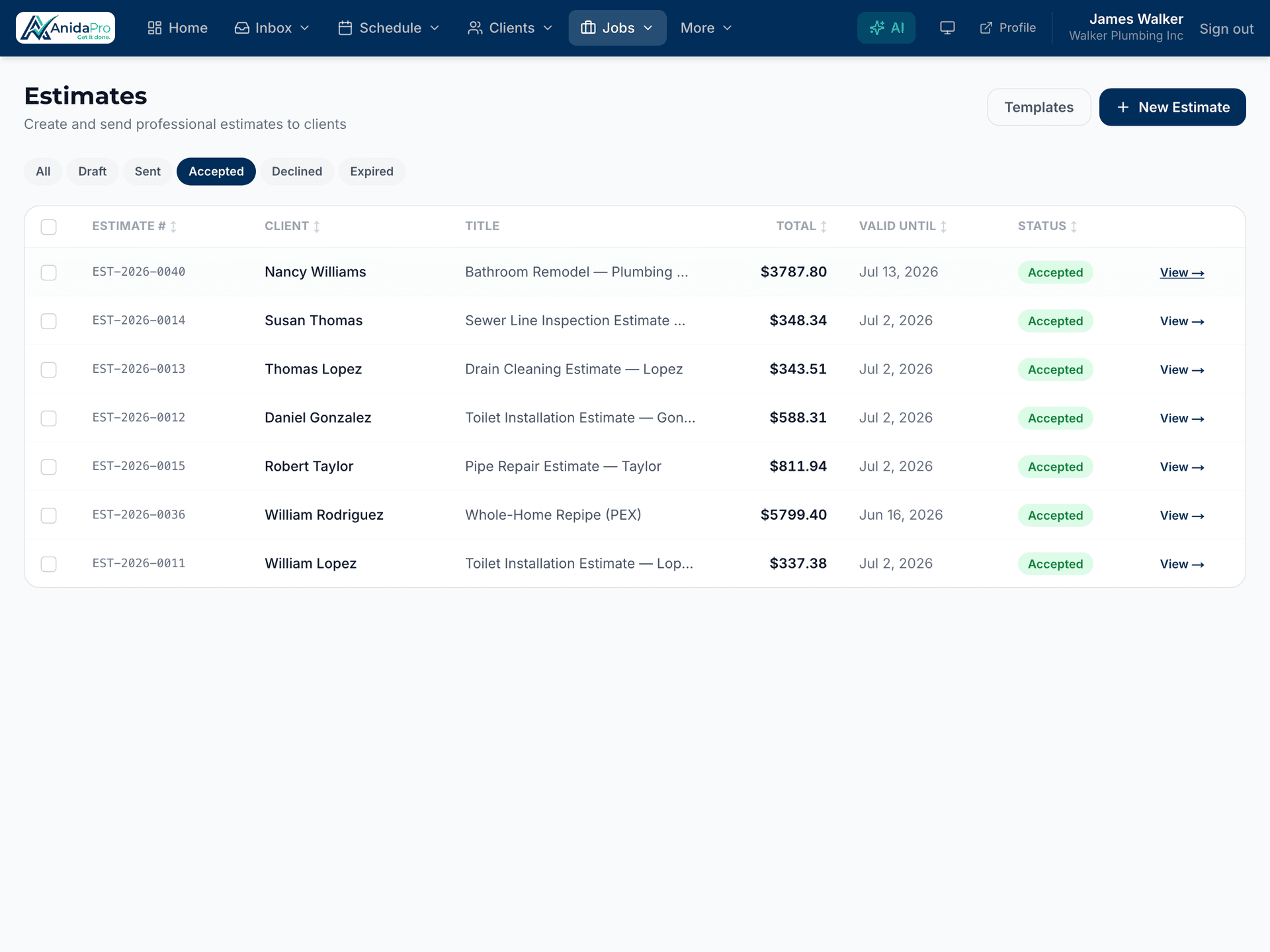
What happens when an estimate is approved?
The estimate converts to an invoice automatically. If you set deposit terms, the client is asked to pay the deposit right on the confirmation screen.
Can I require a deposit before starting work?
Yes. Set a percent or fixed deposit on any estimate — acceptance creates an invoice with a Deposit + Balance schedule and offers the deposit payment immediately.
How do change orders work?
Create a change order on the job, send it for e-signature, and once approved it updates your job costing and can be added to an invoice — double-billing is prevented automatically.
Explore more features
Ready to run your business in one place?
Join the contractors growing faster with AnidaPro. Create a free account today — no credit card, no trial clock.